DiscoverCustomer finds the restaurant
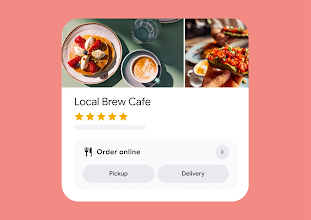
Your restaurant can direct customers toward its preferred ordering path.
Where Google makes ordering links available, the merchant manages its own eligible ordering links and preferences.
Restaurant ordering and operations
Bring customers into an ordering experience centered on your restaurant, keep the order visible through preparation, and choose how fulfillment happens.
Your customer path. Your operational decisions. One connected order from checkout to fulfillment.
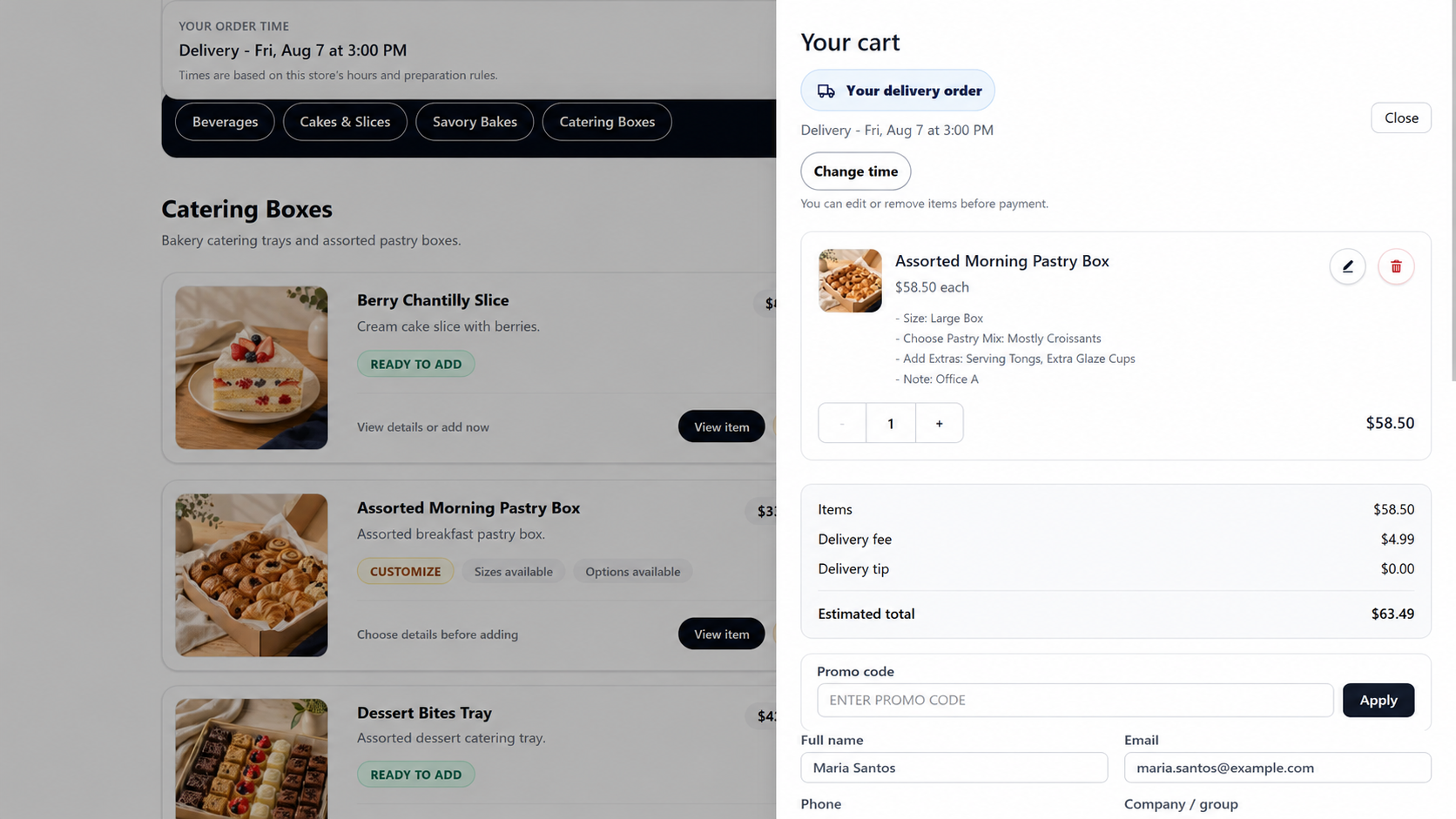
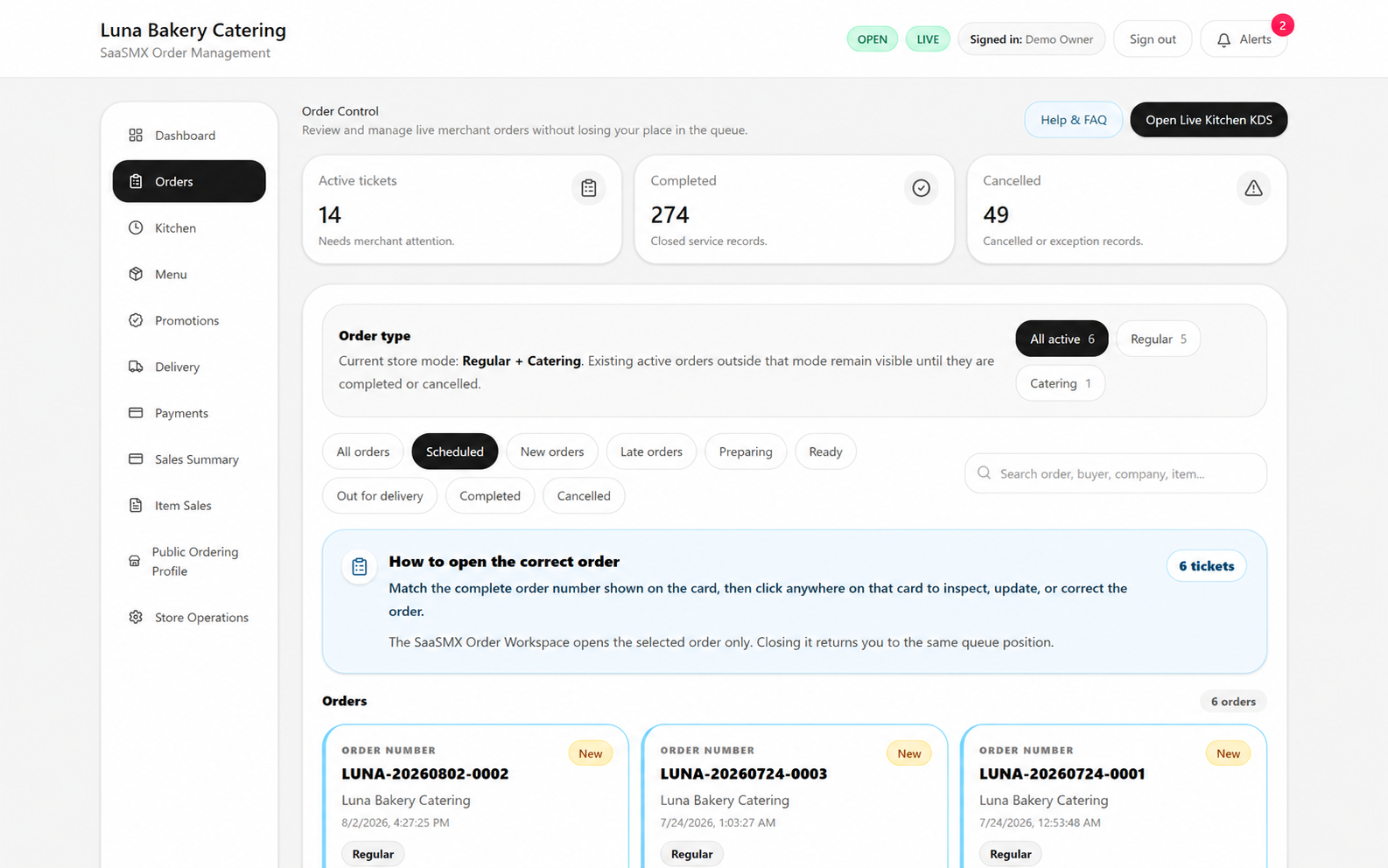
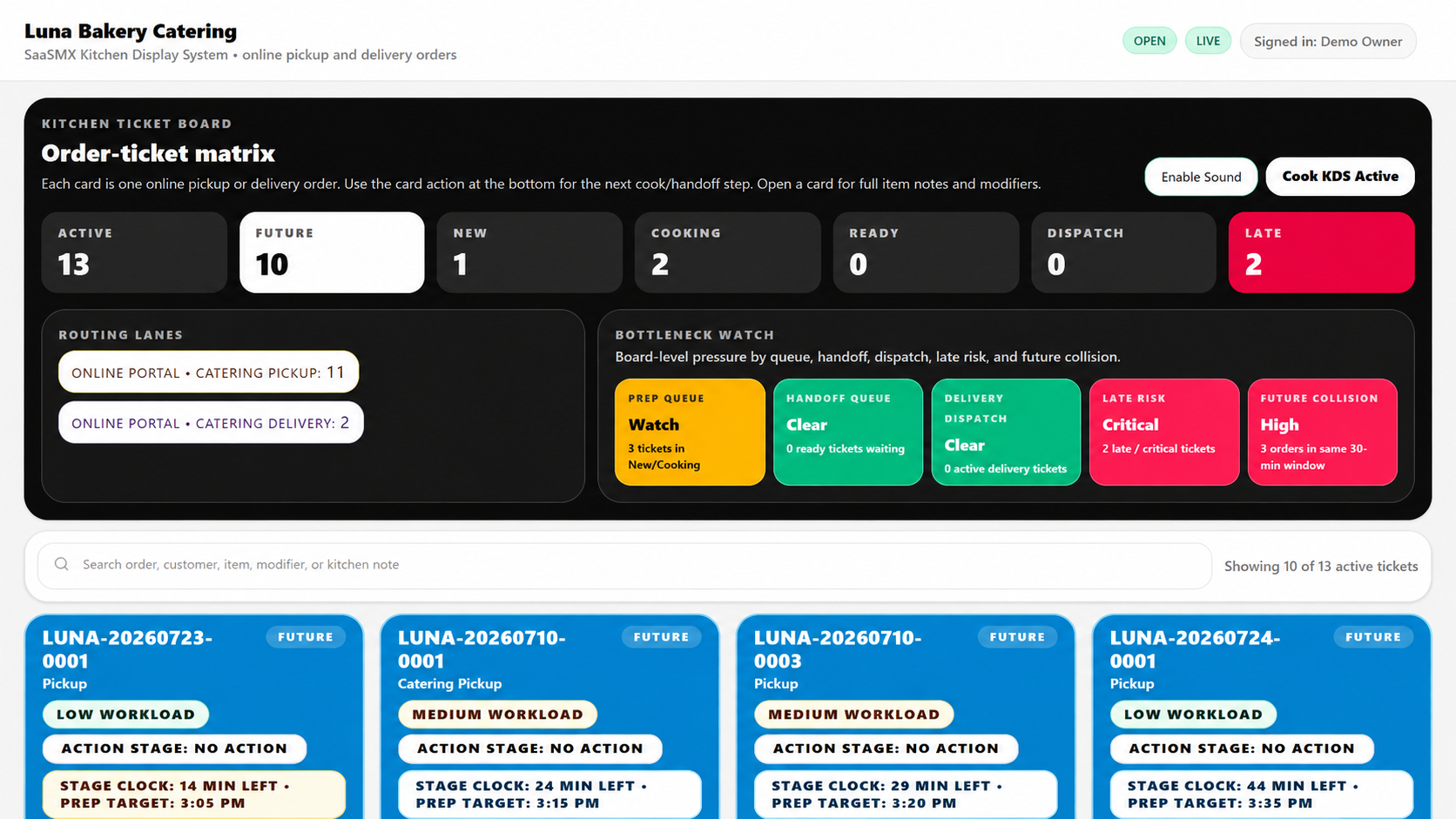
Sanitized nonproduction product demonstrations.
Keep the restaurant at the center
Your website, Google presence, local marketing, social channels, email, and repeat customers can all point toward a restaurant-centered ordering destination.
Where Google makes ordering links available, the merchant manages its own eligible ordering links and preferences.

Google Business Profile is a service of Google. SaaSMX does not manage a merchant's Google Business Profile, search ranking, or advertising. Google controls feature eligibility, placement, presentation, and availability.
One connected path
SaaSMX carries the order through the work the restaurant still has to perform.
Order
A merchant-branded ordering experience starts the operational path.
Control
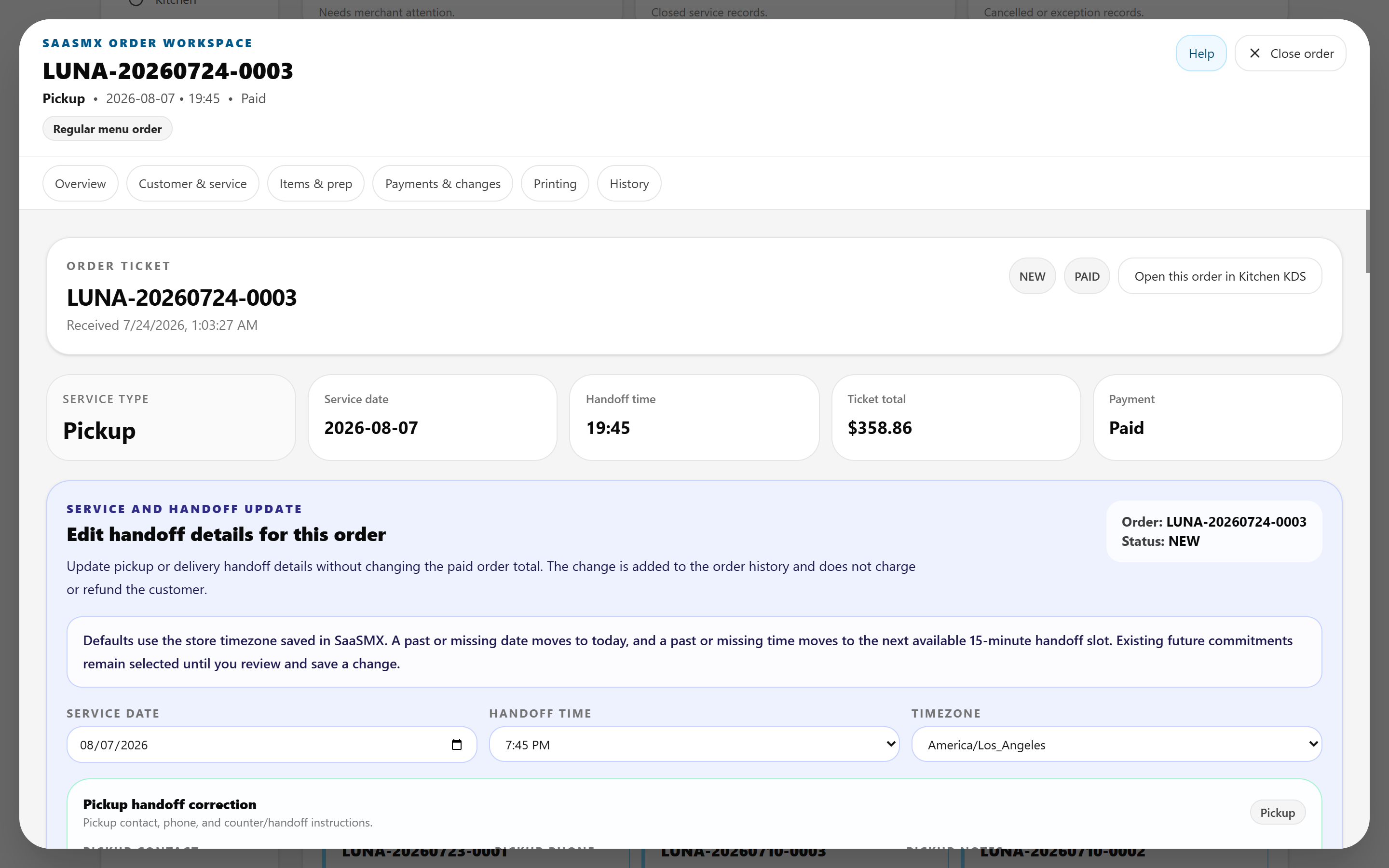
Order Control keeps the current state, service context, and next merchant action together.
Kitchen
The kitchen receives a focused view of the work that is ready to prepare.
Fulfillment
Pickup or an approved delivery path stays connected to the same order.
Order Control
Order Control keeps active work, service context, operational state, and the next merchant action together.
Kitchen execution
Accepted work moves into a kitchen-focused surface with tickets, preparation state, timing context, and the next kitchen action visible.
The kitchen sees the work it needs to prepare, not the rest of the merchant's business administration.
Explore the SaaSMX productFulfillment choice
Pickup, your own delivery operation, or an approved optional provider connection can remain part of the same order workflow.
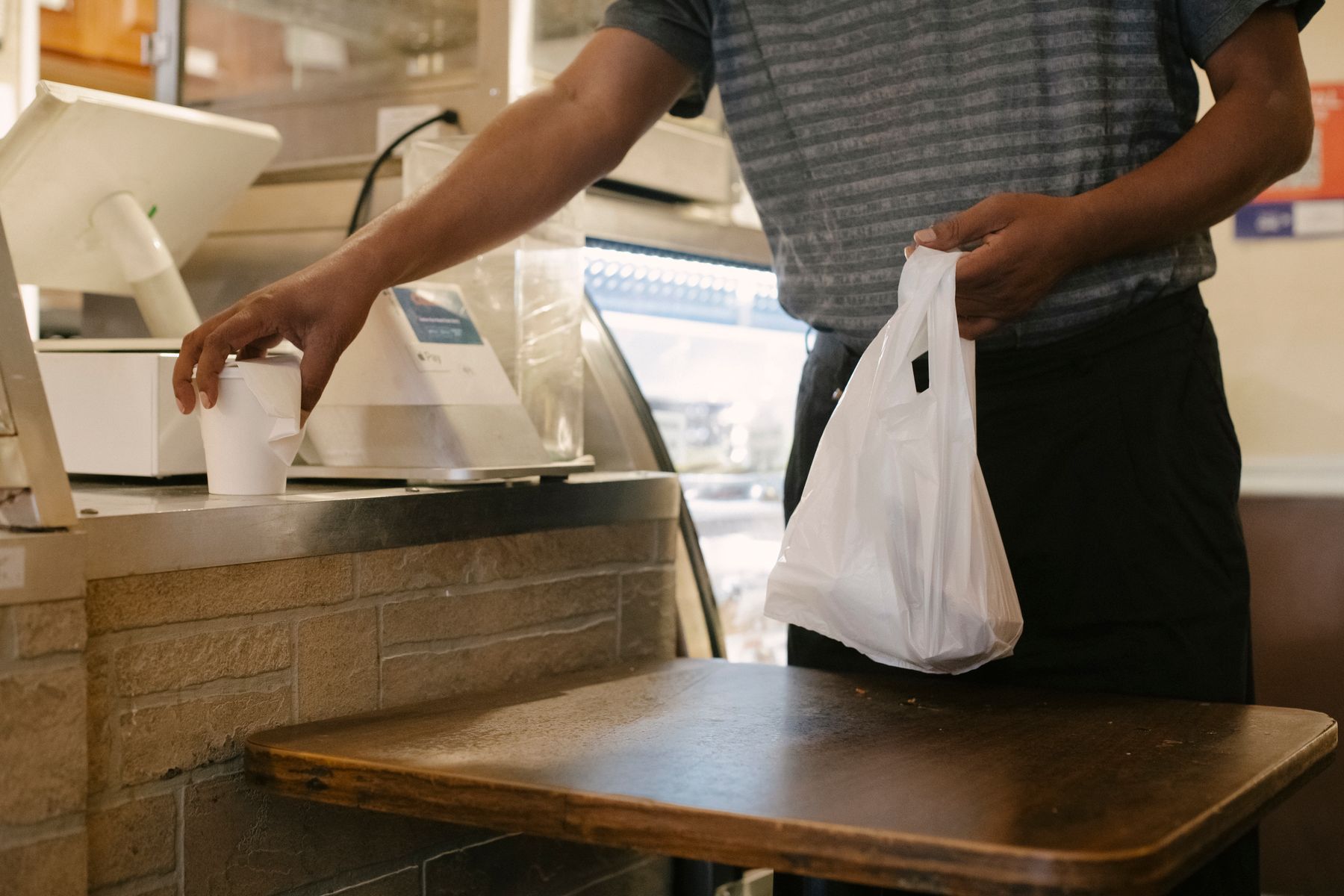 Pickup
The kitchen prepares the order, the restaurant marks it ready, and the customer completes the handoff.
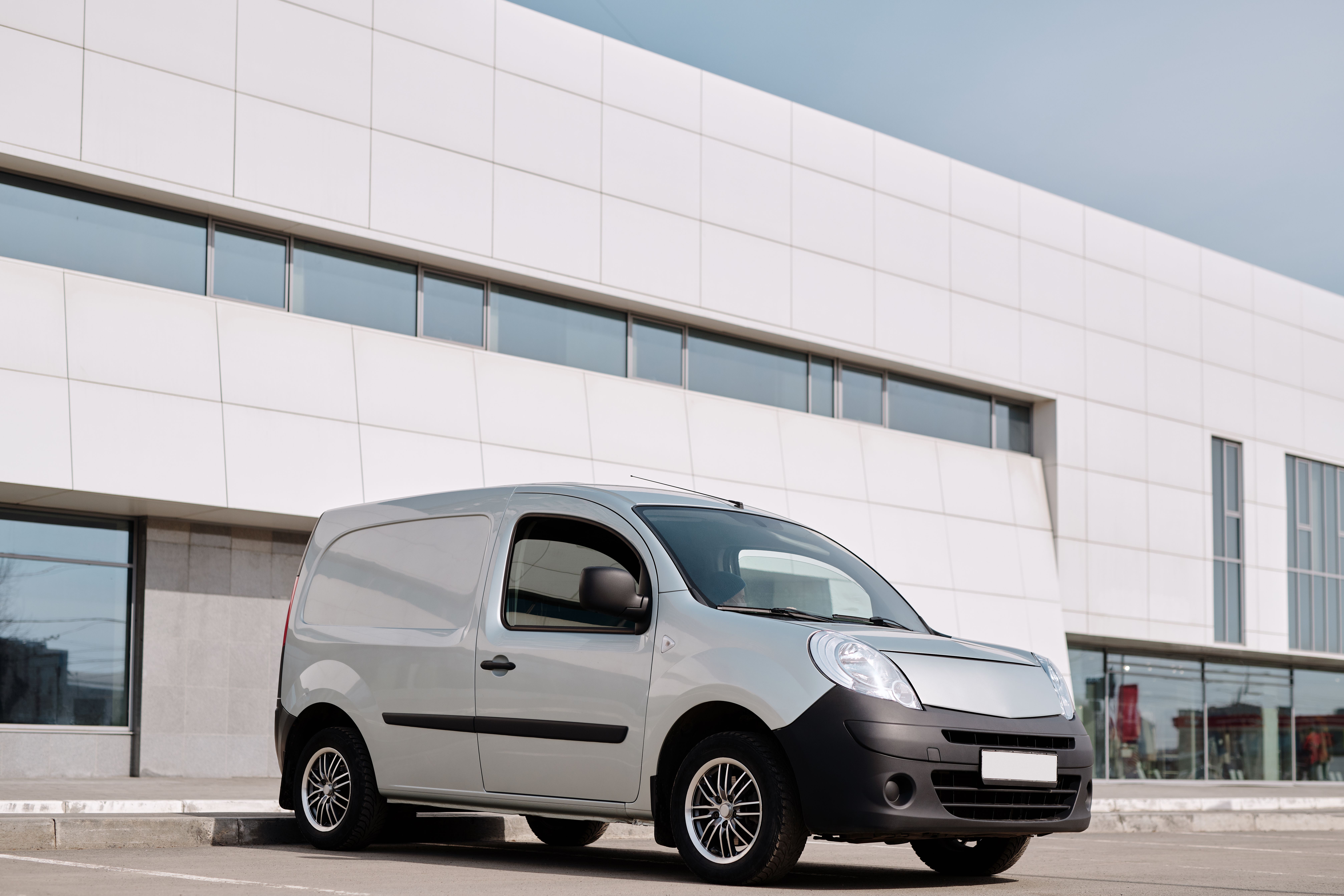
When the restaurant uses its own delivery team, the restaurant keeps responsibility for that final handoff.
For an approved merchant-owned Uber Direct configuration, SaaSMX is designed to connect the delivery request to the restaurant's order workflow instead of making the merchant operate from a separate provider dashboard for each order.
Google Business Profile and Uber Direct are services of their respective owners. Third-party names and interface references are shown only to identify optional customer-path or fulfillment workflows. No sponsorship or endorsement of SaaSMX by Google or Uber is implied. Availability, features, pricing, billing, service areas, courier operations, and provider terms are controlled by the respective provider.
Who SaaSMX is for
The strongest fit is an operation where people still need to review, prepare, hand off, or resolve work after an online order arrives.
Online orders move from customer entry to merchant review, kitchen work, and fulfillment.
Prepared orders need timing, readiness, and pickup or delivery to remain connected.
Future orders often need review before preparation and a clearly defined final handoff.
Regular ordering and catering can require different operating paths while using the same control layer.
USA Paid Pilot
The Paid Pilot is a defined operating period for approved U.S. merchants to put the connected order workflow into use with operator-assisted onboarding.
Apply for the Paid PilotThe Paid Pilot is $99 per month for 90 days, with no more than three SaaSMX subscription charges ($297 maximum), $0 SaaSMX setup fee, and $0 onboarding operator fee. There is no free trial or automatic continuation after the defined pilot. Stripe processing fees and delivery-provider charges remain separate from the SaaSMX subscription.
Restaurant-centered operations
SaaSMX is designed to keep more of the customer-to-fulfillment path centered on the restaurant and connected through the operation.